

Guide 10 of 14
Buying a TV for PS5 or Xbox
You don’t need every gaming feature to enjoy your console. A 4K TV with game mode is fine for casual play. For smoother action and quicker responses, check these five features before you buy.
Why it matters
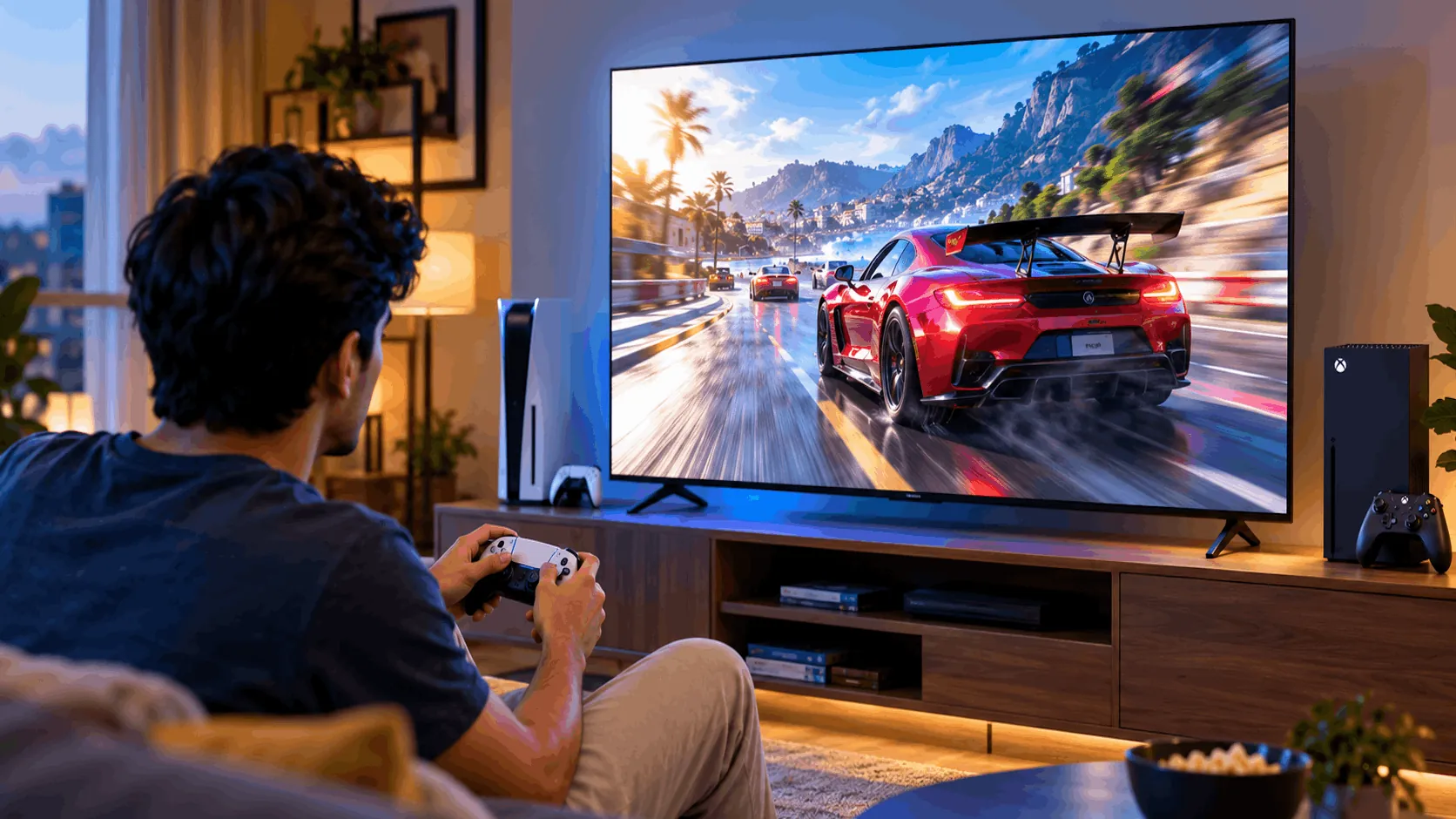
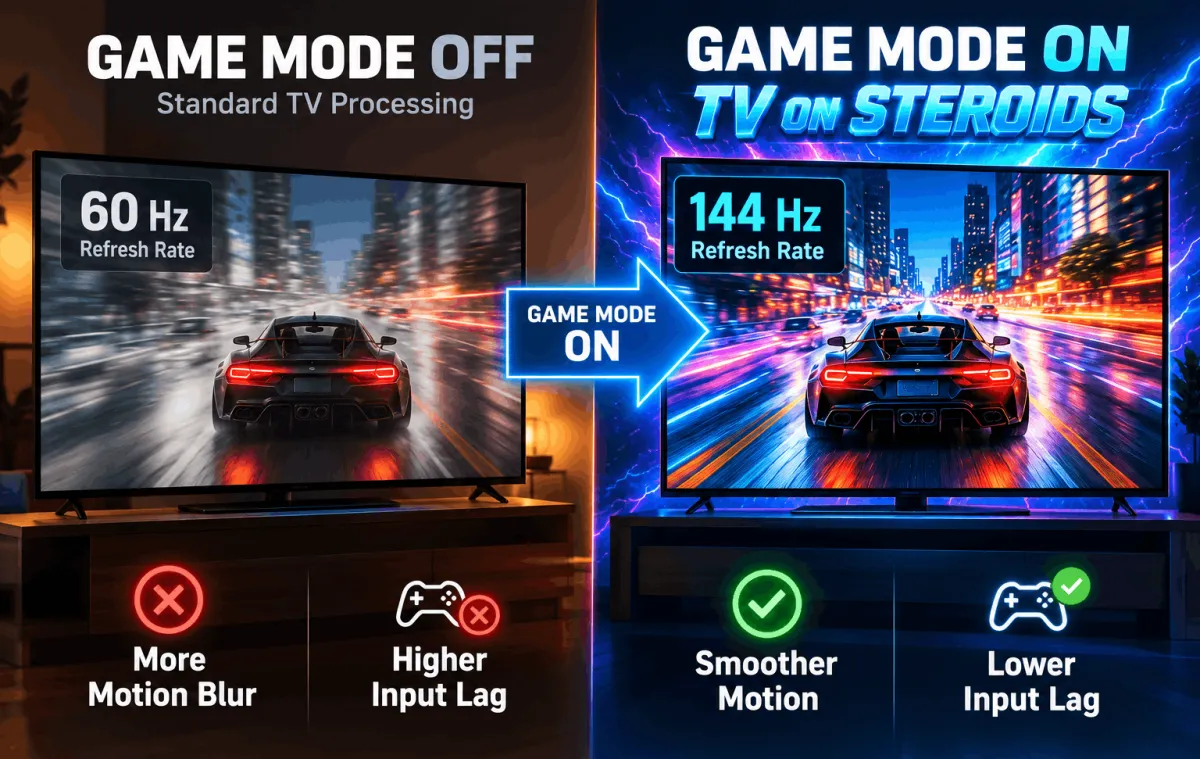
- Buttons should feel quickA delayed picture can make controls feel sluggish. Game mode cuts that delay, so your TV responds sooner when you press a button.
- Smoothness needs matching featuresFor 4K at 120 frames per second, you need both a suitable HDMI connection and a native 120Hz screen. One without the other won’t do.
- Count your usable portsMany TVs have only one or two HDMI 2.1 ports. If your soundbar uses one, check whether another suitable port remains for your console.
Five gaming features to check
These features work together. They aren’t five different TV types, and casual players don’t need them all.
HDMI 2.1
The connection for 4K at 120
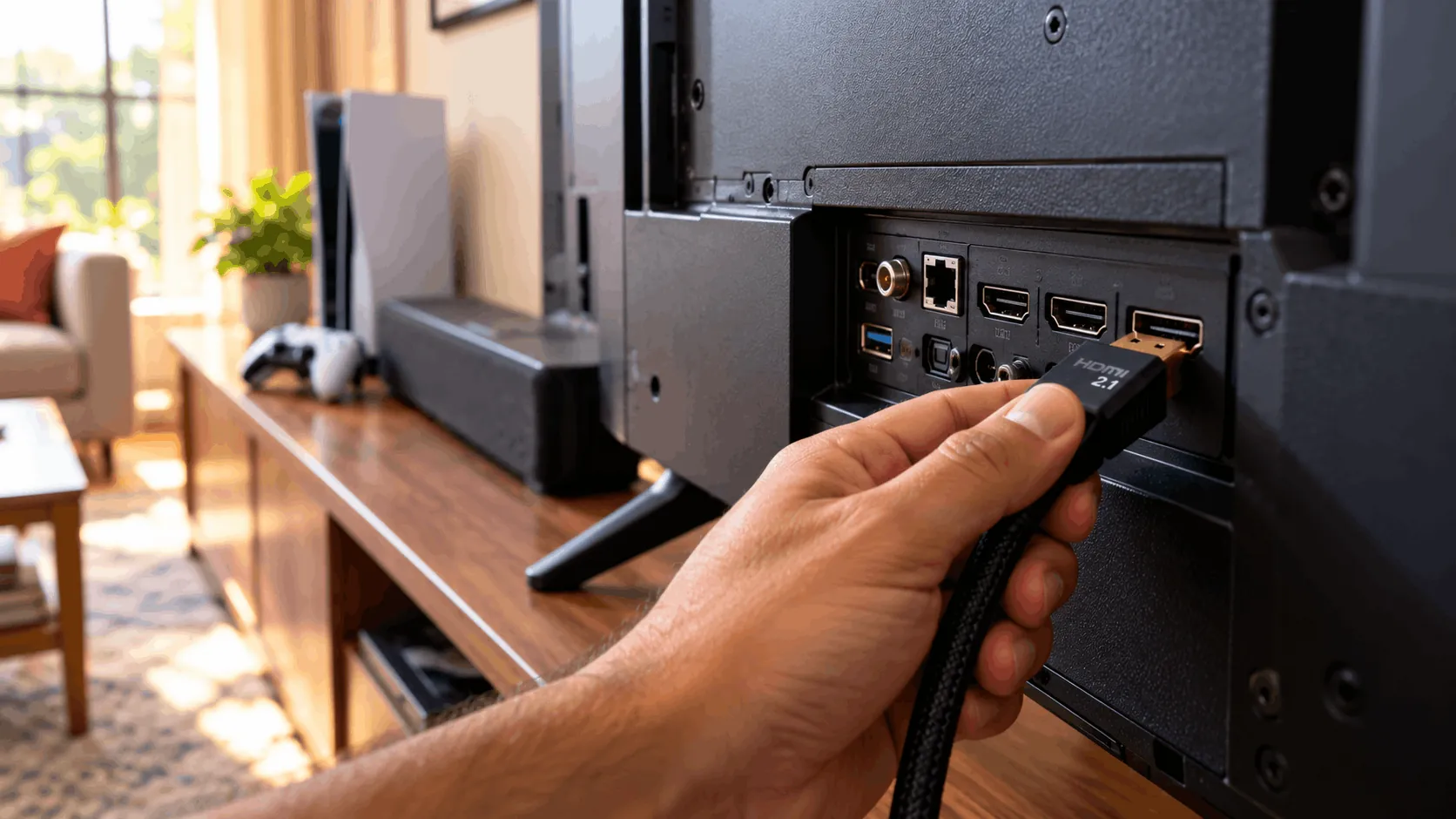
HDMI 2.1 ports can carry 4K video, a sharp picture, at 120 frames per second from PS5 or Xbox Series X. Check that the specific port supports this, not just the TV’s headline description.
- Good
- Carries 4K at 120 frames per second
- Supports higher frame rates from compatible consoles
- Extra ports leave room for a soundbar
- Watch out
- Often limited to one or two ports
- Soundbar may occupy a suitable port
- Port labels need careful checking
Best for: You want 4K gaming at 120 frames per second.
Your quick gaming checklist
Swipe sideways to see every option.
| HDMI 2.1 | 120Hz native panel | VRR | ALLM / Game mode | Low input lag | |
|---|---|---|---|---|---|
| What it does | Carries 4K at 120fps | Shows 120fps | Reduces tearing and stutter | Cuts delay; automates switching | Quicker button response |
| Who needs it | 4K 120fps players | 120fps players | Players noticing uneven motion | All console players | Especially competitive players |
| How to check | Confirm each port’s capabilities | Check native refresh rate | Check TV/console compatibility | Check game mode/ALLM | Read measured gaming reviews |
| Nice-to-have or must | Must for 4K 120fps | Must for 120fps | Nice-to-have | Game mode: must | Must for competitive play |
Which one is right for you?
What kind of gamer are you?
Before you tap Buy
- On Amazon or Flipkart, check the exact model’s specifications, not just listing badges.
- Confirm which HDMI ports support 4K at 120 frames per second.
- Check native refresh rate; don’t rely on motion-smoothing names.
- Count suitable ports after allowing for your soundbar.
- Read measured input-lag reviews with game mode enabled.
Watch it explained
Videos by other creators. Tap to play here.
Common questions
Do I need HDMI 2.1 for PS5?
Not for casual play at 60 frames per second. A 4K TV with game mode is fine. For 4K at 120 frames per second, you need a suitable HDMI 2.1 port and a native 120Hz panel.
What HDMI cable should I use?
For 4K at 120 frames per second, use a certified Ultra High Speed HDMI cable. The cable supplied with your PS5 or Xbox Series X is suitable. An expensive cable won’t add features your TV lacks.
Does VRR work on PS5?
Yes, PS5 supports VRR with a compatible TV. Keep the console software updated and check the TV’s PS5 compatibility. Support and results can vary by game, so don’t assume every game benefits equally.
Which port should I use for my soundbar?
Use the port marked ARC or eARC, which sends TV sound back to your soundbar. If that is also an HDMI 2.1 port, check whether another port supports 4K at 120fps for your console.
Does game mode make the picture worse?
It can change the picture because it reduces processing to cut delay. Some smoothing and other effects may be reduced. That trade-off usually helps gaming feel more responsive. You can use your usual picture mode for films and serials.
The bottom line
Casual play needs game mode. For 4K 120fps, check HDMI 2.1 and native 120Hz. Competitive players should prioritise low input lag.