

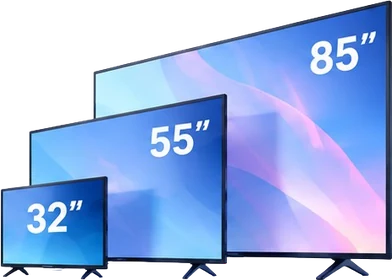
Guide 02 of 14
Find the right TV size for your room
Start with your sofa distance, not the biggest discount on Amazon or Flipkart. Then check your wall or stand. The right size makes cricket, serials and films easier to enjoy without overwhelming your room.
Why it matters
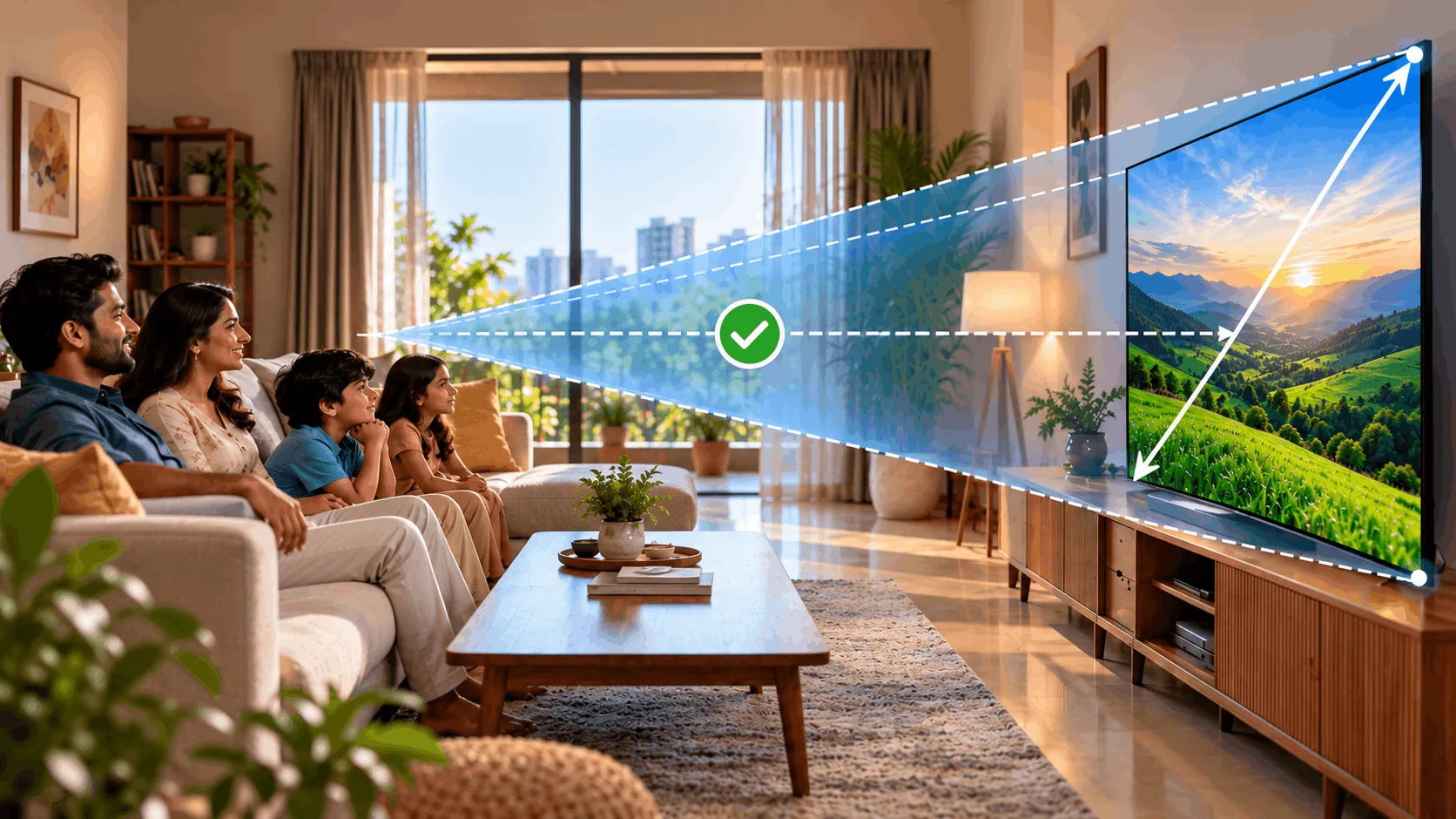
- Your sofa decidesA screen that looks huge in a shop can feel small across your room. Use the seating distances below for 4K TVs (screens with finer picture detail). For HD or Full HD, sit a bit further.
- Size isn't widthTV size means the diagonal, measured from one corner to the opposite corner, in inches. Boxes also show centimetres: 55″ = 139 cm. That TV is about 123 cm wide, not 139 cm.
- Avoid wishing for biggerMost people later wish they had gone bigger. Going one size up is a common regret-avoider, provided your seating distance, space and budget allow it.
Five sizes, different spaces
These seating distances are practical starting points for 4K TVs. Measure your room before choosing.
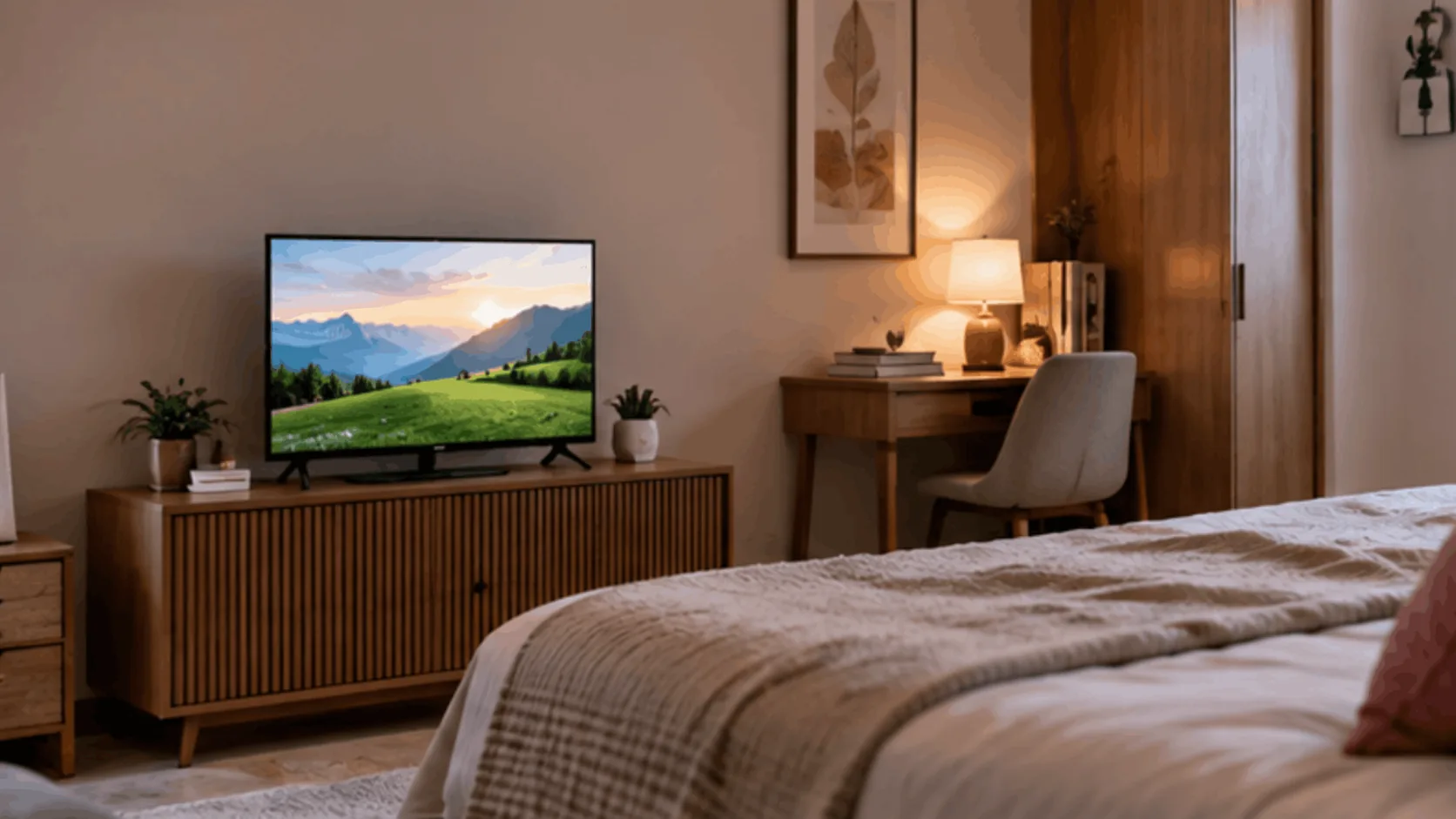
32″
For small spaces and close seating
A compact choice for a small room or second TV. Most 32″ TVs are HD or Full HD, with less picture detail than 4K. Don't assume a small screen includes 4K.
- Good
- Fits small spaces
- Easier to accommodate on compact furniture
- Useful as a second TV
- Watch out
- Usually no 4K
- Feels small across a room
- Less space for film detail
Best for: You want a compact bedroom TV and sit close.
Try it: find your size
Slide to your sofa distance.
Your room setup
Tell us how far you sit from the TV. We’ll suggest the best size for you.
Sitting distance (from sofa to TV)
Recommended size
55 inches, for 6 – 7.5 ft
for 6 – 7.5 ft
Compare at a glance
Swipe sideways to see every option.
| 32″ | 43″ | 50″/55″ | 65″ | 75″ and above | |
|---|---|---|---|---|---|
| Sofa distance | Under 6 ft | 6–7 ft | 7–9 ft | 9–10 ft | 11 ft and more |
| Screen width | About 71 cm | About 96 cm | 111–123 cm | About 145 cm | About 167 cm |
| Typical room | Small bedroom | Bedroom, small hall | Living room | Large living room | Very large hall |
| Resolution | HD / Full HD | 4K | 4K | 4K | 4K |
| Lowest we list | About ₹9K | About ₹15K | About ₹25K | About ₹40K | About ₹64K |
Which one is right for you?
How far is your sofa from the TV?
Five checks before you order
- Measure from your usual seated eye position to where the screen will sit.
- Check model width and stand-foot spacing, not just the diagonal size.
- Choose a suitable wall mount or a wide, strong stand for a big TV.
- Measure the delivery path, including doors, lift and stairs.
- Consider one size up if your distance, space and budget allow it.
Watch it explained
Videos by other creators. Tap to play here.
Common questions
Is bigger always better?
No. Bigger helps when you sit farther away, but it still needs to fit your room and budget. Use the seating guide first. Going one size up can avoid regret, but don't ignore comfort or available space.
Will a big TV hurt my eyes?
A bigger screen isn't automatically harmful to your eyes. Sitting uncomfortably close, glare or excessive brightness can make viewing tiring. Use a comfortable distance and room lighting. If discomfort continues, speak to an eye-care professional.
How do I measure the viewing distance?
Sit where you normally watch. Measure from your eye position to the planned screen position, using a tape measure. Don't measure the whole room or start from the back of the sofa. Use that distance with the 4K guide.
Should I wall-mount the TV or use a stand?
Either can work. A wall mount needs a suitable wall and mount rated for your TV. A stand needs enough width, strength and space for the TV's feet. Check these before delivery, especially with larger sizes.
Should I choose 50″ or 55″?
For 4K, start with 50″ at 7–8 ft and 55″ at 8–9 ft. If your setup suits both and the budget allows, 55″ can help avoid wishing you'd gone bigger. Check its roughly 123 cm width.
The bottom line
Measure sofa distance first, check width and delivery access, then consider one size up if your room and budget allow it.