

Guide 04 of 14
What quantum dots do for your TV
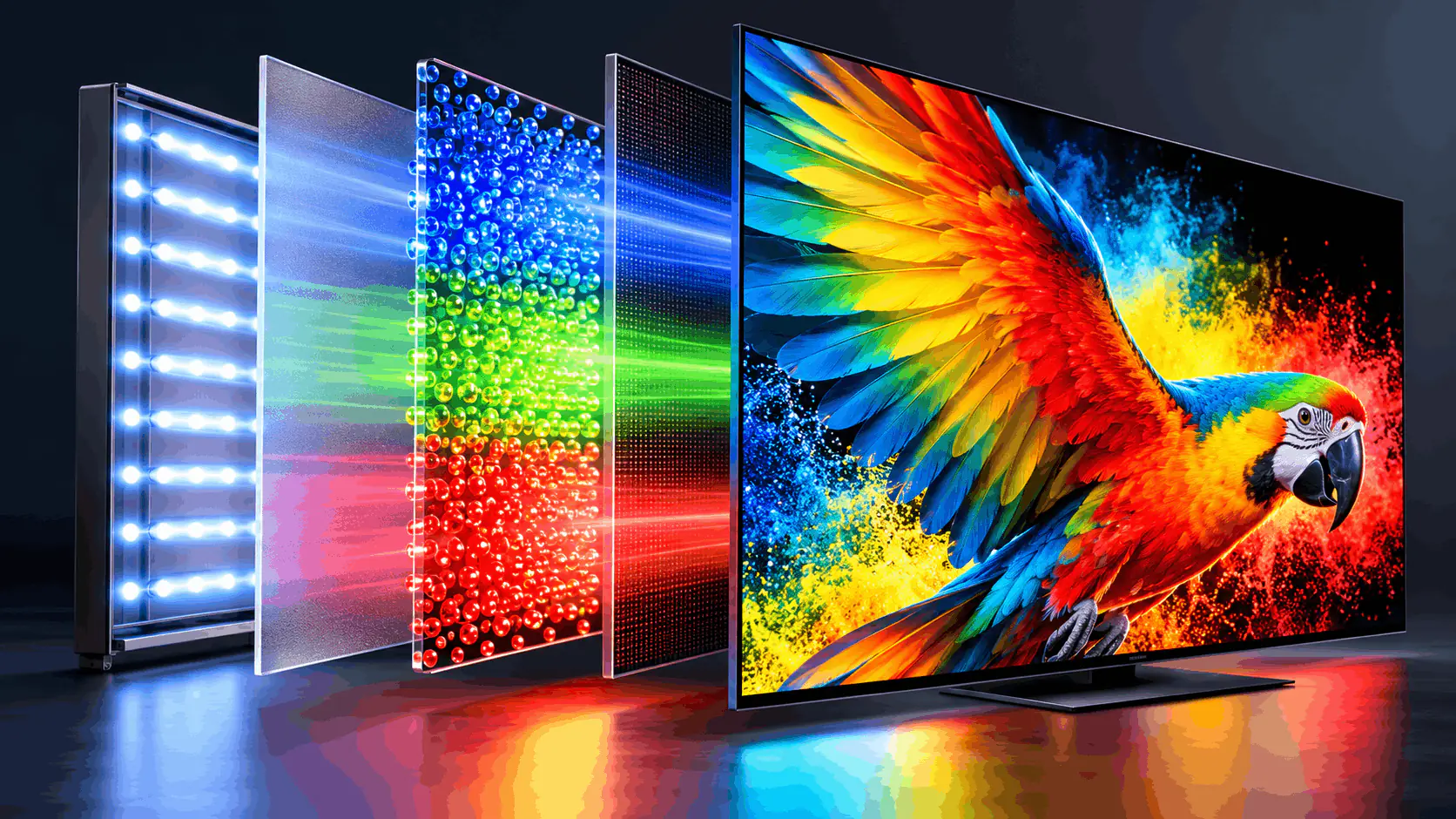
Quantum dots are tiny crystals that make a TV’s colours purer and brighter. They aren’t a screen type of their own: LED, Mini-LED and OLED can each have them. Here’s what they do, what they don’t, and what the names on the box mean.
Why it matters
- Purer, brighter colourThe dots turn the TV’s light into very pure red and green. Bright colours, like a cricket kit or festival lights, stay rich instead of looking washed out.
- An add-on, not a screen typeLED, Mini-LED and OLED can each have quantum dots. The dots don’t change how dark the blacks get; the screen type decides that.
- The label hides the details“QLED” on the box doesn’t tell you how good the layer is, or whether the backlight is ordinary LED or Mini-LED. Check the exact model.
The three quantum-dot versions
Each screen type has a quantum-dot version. The colour gets better in all three; everything else comes from the screen type underneath.
 QLEDLED
QLED
From about ₹15K (43″)An LED TV with richer colour
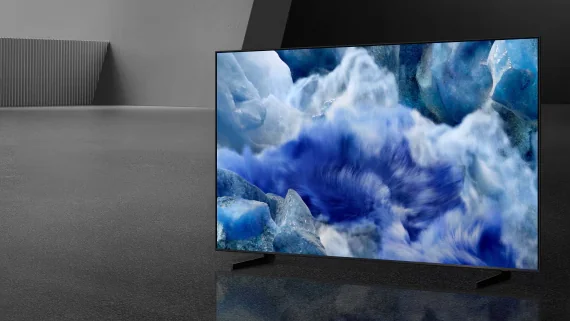
An ordinary LED TV with a film of quantum dots behind the screen. The blue backlight passes through the dots, which glow pure red and green, so colours look richer than on plain LED. The backlight is unchanged, so blacks still look grey-ish in a dark room.
- Good
- Richer colours than plain LED
- Small price step over LED
- Widely available from 43″
- Watch out
- Same grey-ish blacks as LED
- Quality of the layer varies a lot
- Easily mistaken for OLED or Mini-LED
Best for: You want livelier colour for serials, cricket and Bollywood films on a modest budget.
The quick comparison
Swipe sideways to see every option.
| QLED | QD-Mini LED | QD-OLED | |
|---|---|---|---|
| Built on | LED | Mini-LED | OLED |
| Colour | Richer than LED | Rich, even when very bright | Rich, bright, wide angle |
| Blacks | Grey-ish in darkness | Deep, some glow | Perfect blacks |
| Brightness | Fine for daytime | Very bright | Below Mini-LED |
| Also sold as | QLED (most brands) | Neo QLED, QD-Mini LED | QD-OLED, OLED |
| Price | From about ₹15K | From about ₹33K | From about ₹1.3L |
Which one is right for you?
What do you want from better colour?
Before you buy
- Treat “QLED” as LED plus quantum dots, then check whether the backlight is ordinary LED or Mini-LED.
- Look for a colour figure on the spec sheet, such as 90% or more DCI-P3 (the colour range used for cinema).
- In the shop, compare the same bright, colourful scene on each TV, with Vivid mode switched off.
- Don’t confuse NanoCell with quantum dots: it’s a different kind of colour filter.
- Don’t pay a big premium for quantum dots alone; a better screen type usually matters more.
Watch it explained
Videos by other creators. Tap to play here.
Common questions
What exactly is a quantum dot?
A crystal thousands of times smaller than the width of a hair. When light hits it, it glows one pure colour, and its size decides which colour. A TV uses billions of them, sealed in a thin layer.
Does QLED mean the TV is OLED?
No. QLED is an LED TV with quantum dots for colour. OLED’s pixels make their own light and switch off completely. The similar names hide a big difference in dark scenes.
Are all QLED TVs the same?
No. The amount and quality of the quantum-dot layer varies, and so does the backlight behind it. A budget QLED can look close to a good LED TV, so compare the exact models.
What are QNED and NanoCell?
LG’s names for its LED (LCD) TVs. QNED combines quantum dots with LG’s NanoCell filter, and some QNED models use Mini-LED. NanoCell on its own uses tiny particles to filter colour; it isn’t quantum dots.
Is QD-OLED better than ordinary OLED?
Its colours are brighter and purer, especially bright reds and greens, and its blacks are just as perfect. In a bright room, though, its blacks can look slightly grey, because it lacks the filter that keeps ordinary OLED dark under room light.
Do quantum dots need any care?
No. They are sealed inside the screen, so there is nothing to clean or set up. Use the TV like any other.
The bottom line
Quantum dots are a colour layer any screen type can have: LED becomes QLED, Mini-LED becomes QD-Mini LED, OLED becomes QD-OLED. Worth having when the price gap is small, but choose the screen type first.