

Guide 05 of 14
Match your TV to the light you watch in
What matters isn’t how bright your room is, but how much light is around the TV when you actually watch. A sunny room you only use at night is a dark room for your TV. Sunlight, tube lights, LED bulbs and lamps all count. Here’s how to match the screen to your viewing light.
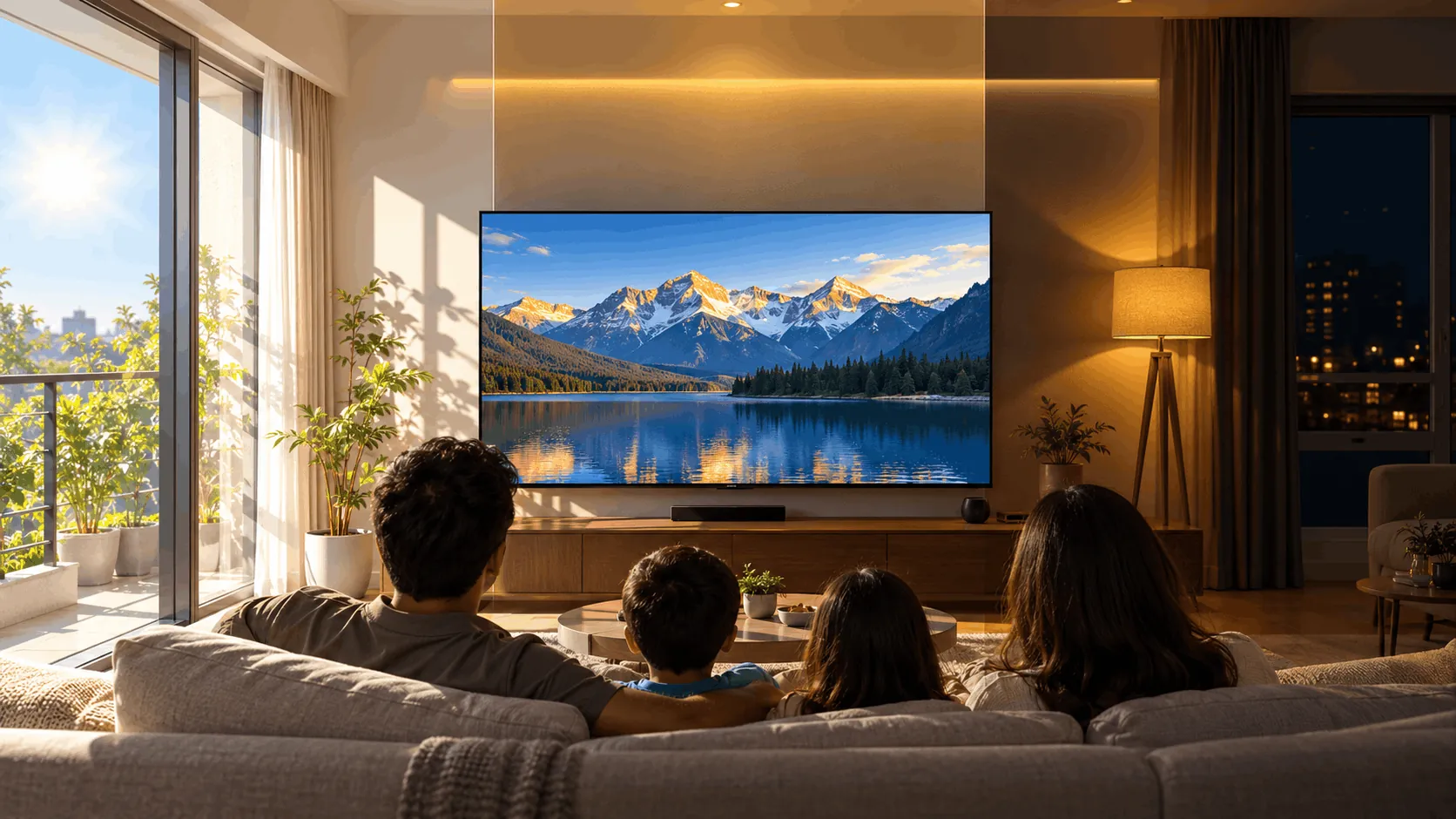
Why it matters
- It’s about when you watchA balcony room flooded with sun at 2pm doesn’t matter if you only watch after dinner. Think about the hours you watch most, on most days.
- Every light counts, not just sunlightWhite tube lights, ceiling LED panels and bright bulbs wash out a picture just as daylight does. The more light around the screen, the brighter it must be.
- Reflections come from any lightGlossy screens mirror windows, tube lights and lamps alike. Where the lights sit, relative to your sofa and the TV, matters as much as how bright they are.
Match the TV to your viewing light
Pick the light that is usually around you when you watch most: daytime or night, sunlight or bulbs.

Bright light
Brightness comes first
Sunny afternoons, or evenings under white tube lights and ceiling LED panels. A lot of light falls on the screen, so it has to be bright to stay clear. Favour Mini-LED; on a budget, the brightest LED or QLED you can afford.
- Good
- Mini-LED stays clear in strong light
- A bright LED or QLED is the budget route
- Suits daytime cricket and well-lit family evenings
- Watch out
- Windows and tube lights reflect on glossy screens
- OLED looks dimmer in strong light
- Brightness alone can’t remove reflections
Best for: Families who watch cricket in the afternoon, or keep bright lights on all evening.
Your viewing light, at a glance
Swipe sideways to see every option.
| Bright light | Some light | Lights low | |
|---|---|---|---|
| Typically | Sunny afternoons, or tube lights and LED panels on | Curtained daylight, lamps, dimmed lights | Night, lights off or low |
| Main problem | Washed-out picture, reflections | Light that changes | Grey-looking blacks |
| What matters | Brightness, reflection control | Brightness and contrast | Contrast |
| Best panels | Mini-LED, or a bright LED/QLED | Mini-LED or OLED | OLED or Mini-LED |
| Tip | Keep windows and ceiling lights out of the screen | Use separate day and night picture modes | Keep a soft lamp on, behind or beside the TV |
Which one is right for you?
When do you watch most, and what lights are on?
Five checks before you buy
- Note when you watch most on a normal day, and which lights are on then. Buy for those hours.
- At that time, sit in your usual seat and see what reflects on a switched-off screen: windows, tube lights, lamps.
- Place the TV so windows and ceiling lights aren’t reflected towards your seat, and keep direct sun off it.
- Keep the screen’s centre near eye level when you’re seated.
- Set a brighter day picture mode and a dimmer night mode rather than one setting at maximum.
Watch it explained
Videos by other creators. Tap to play here.
Common questions
My room is sunny, but we watch at night. What should I buy for?
The night. Buy for the light around you during the hours you watch most. If that is after dark with the lights low, treat it as a dark room and favour contrast.
Do tube lights and LED bulbs really matter?
Yes. Bright white lights wash out the picture and reflect on the screen just as daylight does. Watching under them calls for a brighter TV, and for placing it so the lights aren’t mirrored towards you.
What are nits?
Nits measure screen brightness. Basic LED TVs: roughly 250–350; brighter LED and QLED: 400–600; Mini-LED: 800–2000+; OLED: around 600–1000 peak (brightest small highlights), but lower across the full screen. These are rough guides, not guarantees for every model.
Does high brightness hurt your eyes?
A very bright screen in a dark room can feel uncomfortable. You don’t need maximum brightness all the time. Lower it for night viewing and keep a soft lamp on if that feels more comfortable.
Should you choose matte or glossy?
Glossy screens can show clear reflections of windows and lights. Matte or anti-glare coatings reduce reflections. Neither replaces sensible placement, so check how the screen handles your lights rather than choosing by the coating name alone.
Is OLED bad in bright light?
Not automatically. OLED is fine in soft or moderate light. For strong sun or bright tube lights, favour Mini-LED. OLED’s peak brightness covers small highlights; its brightness across the full screen is lower.
The bottom line
Buy for the light around you when you watch most, not the room at noon. Bright light, from the sun or bulbs: favour brightness. Lights low: favour contrast. Some light: balance both. Whatever the light, keep reflections off the screen.