

Guide 09 of 14
Does a higher refresh rate matter?
Refresh rate means how many times your TV redraws the picture each second. It’s measured in hertz (Hz). Higher rates can make fast action smoother and clearer. But for serials and films, you don’t need to spend extra just for this.
Why it matters
- Fast action looks smootherHigher refresh rates help with fast camera movements in cricket and football. The difference matters more here than when you’re watching news or a family serial.
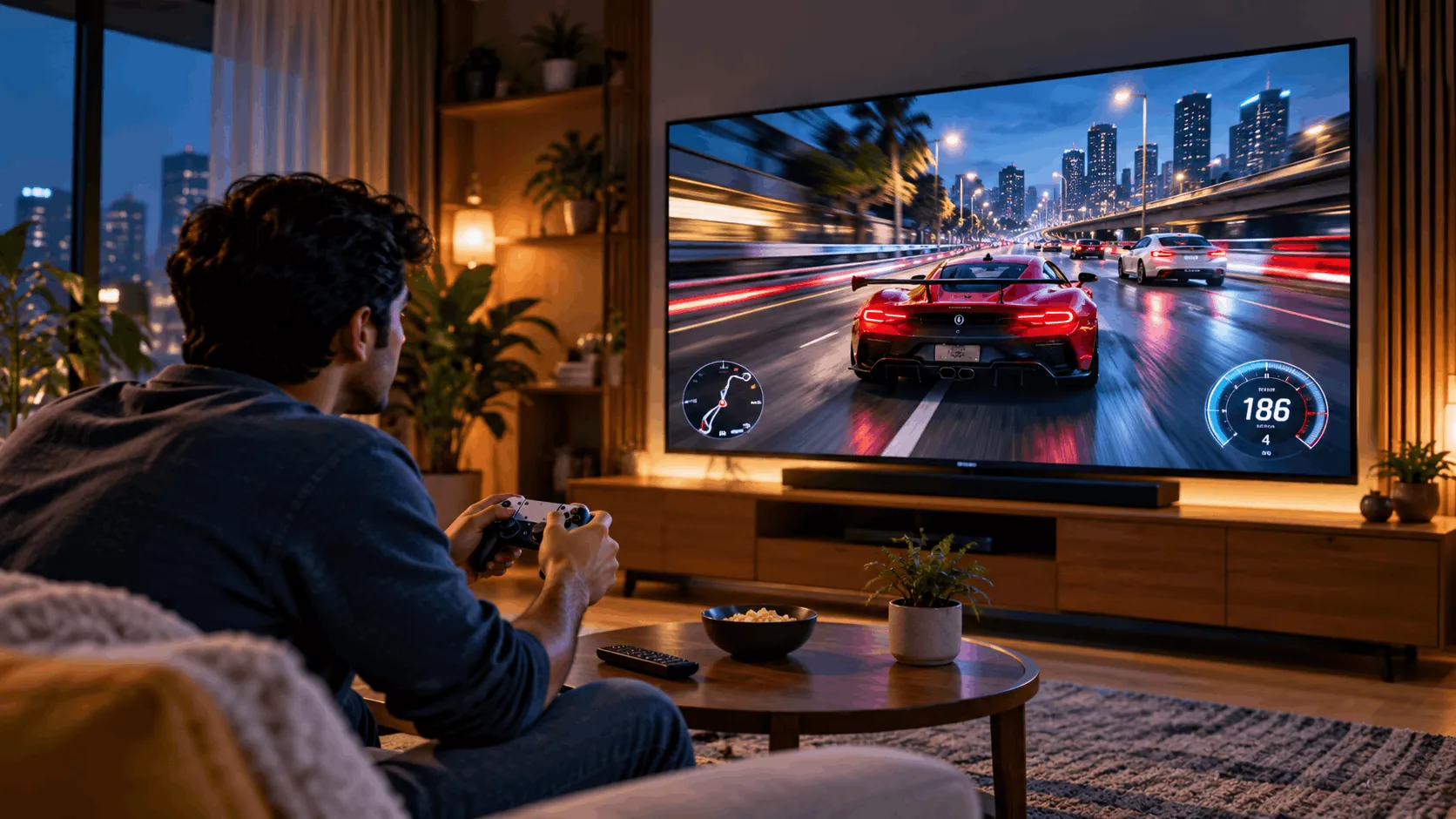
- Games can benefit tooPS5 and Xbox games that support 120 frames per second (fps, or pictures each second) can look smoother on a compatible 120Hz TV. Not every game supports this.
- Check the real numberLook for the native refresh rate: the screen’s actual refresh rate. “Motion Rate 240”, “Clear Motion 200” and MEMC (motion smoothing that adds extra pictures) aren’t proof of a native 120Hz screen.
Three refresh-rate choices
Choose for what you watch and play, not the biggest number on an Amazon or Flipkart listing.
50/60Hz
Enough for everyday watching
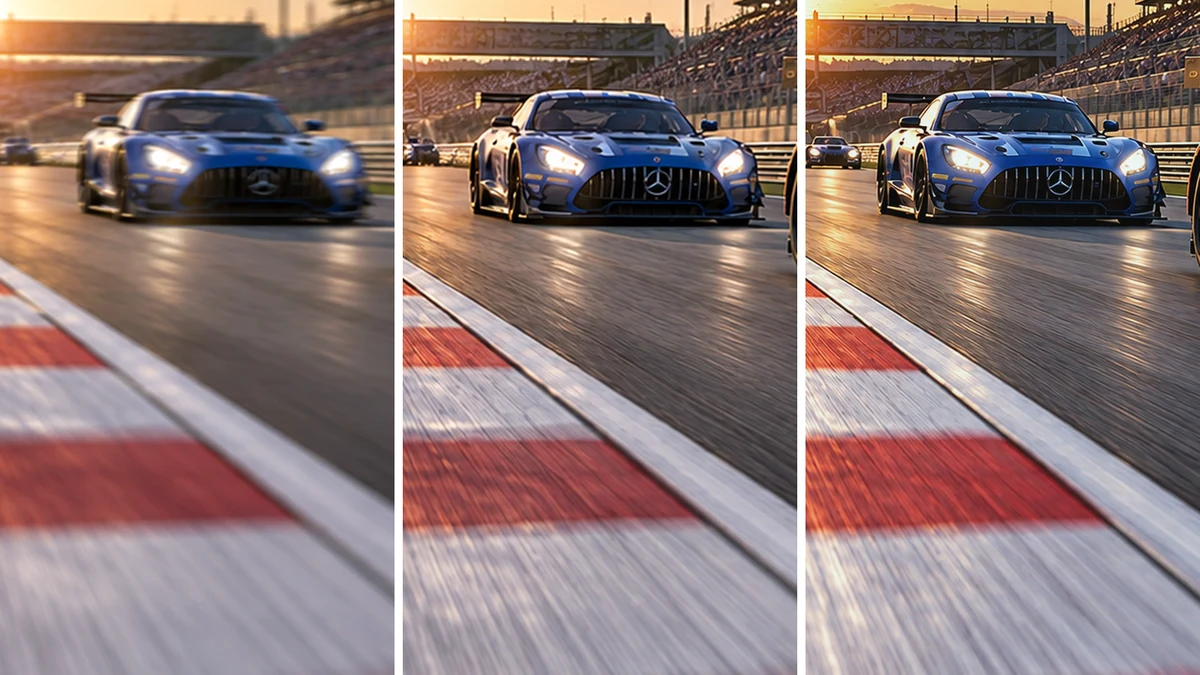
The screen redraws its picture 50 or 60 times each second. This is common on budget TVs and fine for serials, news and films, which usually have 24 frames per second.
- Good
- Fine for serials, news and films
- Common on budget TVs
- Enough for casual console gaming
- Watch out
- Fast sports pans look less smooth
- Cannot display 120fps console games fully
- Less suited to high-frame-rate PC gaming
Best for: You mostly watch serials, films, news and everyday YouTube.
Refresh rates at a glance
Swipe sideways to see every option.
| 50/60Hz | 100/120Hz | 144Hz and above | |
|---|---|---|---|
| Smoothness | Fine for everyday viewing | Smoother fast motion | Smoothest with matching frames |
| Sports | Fine, less smooth | Smoother camera pans | Little extra benefit |
| Console gaming | Up to 60fps | 120fps on compatible models | Consoles stop at 120fps |
| PC gaming | Casual gaming | Higher-frame-rate gaming | Above 120fps gaming |
| Price | Budget and most TVs | Mid-range and up | Mostly premium TVs |
Which one is right for you?
Do you game or watch lots of sport?
Five checks before you buy
- Find the native refresh rate in specifications, not just the listing title.
- Don’t treat “Motion Rate 240” or “Clear Motion 200” as native refresh rates.
- For PS5/Xbox, confirm 120Hz support at the resolution you want.
- Turn off MEMC if films look unnaturally smooth, like soap operas.
- For 144Hz+, check both your PC’s performance and the TV’s supported input.
Watch it explained
Videos by other creators. Tap to play here.
Common questions
Is 120Hz needed for cricket?
No. Cricket is watchable on 60Hz. A native 100/120Hz TV can make fast camera pans smoother and clearer, so it’s worth considering if you watch lots of matches.
What is MEMC?
MEMC is motion smoothing. It creates extra pictures between the original ones to make movement look smoother. It can help sports, but films may look like soap operas. You can turn it off. It isn’t the same as native refresh rate.
What does “game mode 144Hz” mean?
It suggests 144Hz is available under certain gaming settings. Don’t assume it works at every resolution or proves the screen’s native rate. Check the manufacturer’s specifications for native refresh rate and supported resolutions. Consoles won’t use more than 120Hz.
Does Netflix use 120Hz?
Netflix doesn’t need a 120Hz TV. Films usually have 24 frames per second, so a 120Hz screen doesn’t turn them into true 120fps content. Motion smoothing can add extra pictures, but you may prefer it off.
What’s the difference between 60Hz and 50Hz?
60Hz redraws the picture 60 times each second; 50Hz does it 50 times. Both are fine for everyday viewing. Listings sometimes group them together, so check the exact model’s native rate and supported inputs, especially for gaming.
The bottom line
50/60Hz suits everyday viewing. Consider 120Hz for sports and supported console games. Buy 144Hz+ for a capable gaming PC, not marketing numbers.