

Guide 06 of 14
How sharp does your TV need to be?
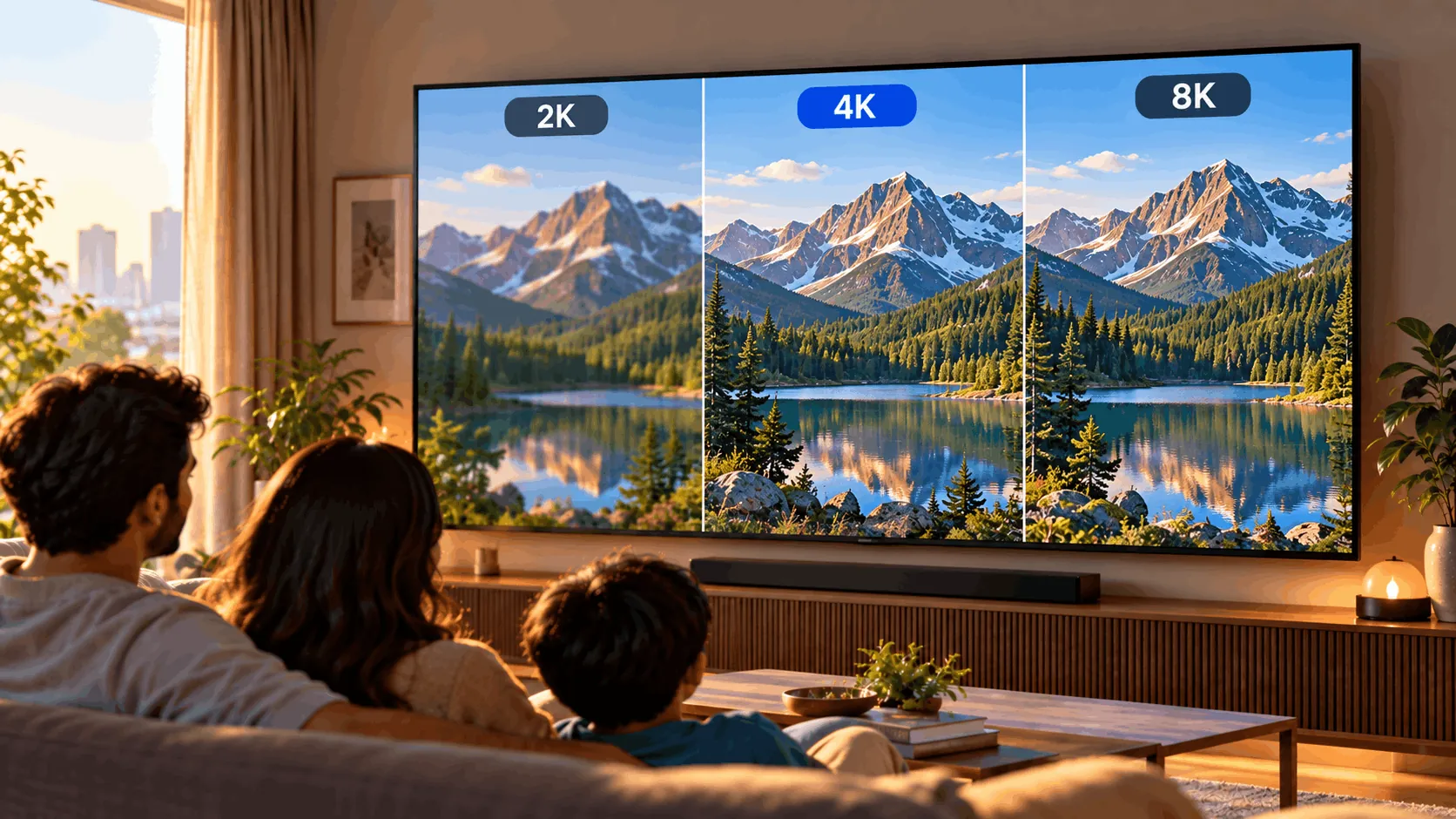
Resolution is the number of tiny dots, called pixels, making your TV picture. More pixels can look sharper on a big screen up close. But you don't need the highest number. Match it to your screen size and what you watch.
Why it matters
- Size changes the differenceMore pixels help most when your screen is big and you sit close. On a small screen, HD Ready or Full HD can be enough.
- Your shows matter tooDTH set-top box channels are mostly HD or SD, which means standard definition. Streaming services offer some 4K content, but not every serial, film or cricket stream is 4K.
- Look beyond the numberOnce you have 4K, panel quality matters more than extra pixels. The panel is the screen itself. Compare colour, contrast—the difference between dark and bright areas—and how movement looks.
Your four resolution choices
Start with screen size. Then check your favourite content. A higher resolution isn't automatically a better buy.
 10x zoom · HD
HD Ready
Enough for a small screen
HD Ready has 1366×768 pixels. It's common on 32-inch TVs and can be fine for small-screen viewing. It has fewer pixels than Full HD.
- Good
- Fine for small screens
- Usually the lower-cost choice
- Enough for everyday viewing at smaller sizes
- Watch out
- Less detail than Full HD
- Less suited to bigger screens
- Cannot show full 4K detail
Best for: You want a small TV for everyday viewing.
Resolution at a glance
Swipe sideways to see every option.
| HD Ready | Full HD | 4K | 8K | |
|---|---|---|---|---|
| Pixels | 1366×768 | 1920×1080 | 3840×2160 | 7680×4320 |
| Right sizes | Up to 32″ | 32″–43″ | 43″ and larger | 75″ and larger |
| Content available | DTH, YouTube | DTH, YouTube | Netflix, Prime, YouTube | Almost none |
| Price | Lowest | Low | From about ₹15K | Very high |
| Verdict | Fine for small | Small-screen step up | Best fit for most | Skip for most |
Which one is right for you?
What size are you buying?
Before you tap Buy
- Check the actual resolution in Amazon or Flipkart specifications, not just the product title.
- For 4K streaming, plan for around 25 Mbps internet and the right subscription.
- Compare a familiar cricket clip or serial, not only a colourful shop demo.
- Sit at your usual viewing distance when judging whether extra detail matters.
- For PS5, check gaming features too; a 4K label alone isn't enough.
Watch it explained
Videos by other creators. Tap to play here.
Common questions
Is 4K worth it if I mostly watch DTH?
Yes, especially from 43 inches upwards. Most DTH channels are HD or SD, so they won't become true 4K. A good 4K TV can upscale them to fit the screen better. Picture processing and panel quality still matter.
Does 4K need fast internet?
Streaming in 4K needs a fast, steady connection of around 25 Mbps. Netflix also needs the Premium plan. You don't need fast internet simply to use a 4K TV for DTH channels.
Is 8K future-proof?
Not in a way that justifies it for most buyers. There's almost no 8K content, and the TVs cost a lot. Buy for what you can watch now rather than paying heavily for an uncertain future.
Should I choose Full HD or 4K on a 43-inch TV?
Prefer 4K. It's the standard from 43 inches upwards, and extra detail is more useful on a bigger screen, especially up close. Still compare panel quality: the resolution number alone doesn't tell you how good the picture looks.
What is upscaling?
Upscaling means adapting a lower-resolution picture to fill a higher-resolution screen. The TV uses processing to estimate extra picture information. Good processing can help HD or SD channels look better, but it cannot recreate all the detail of original 4K content.
The bottom line
For 32 inches, HD Ready or Full HD is fine. From 43 inches, choose good-quality 4K. Most buyers can skip 8K.