

Guide 07 of 14
Choose a smart system that suits your family
Your TV’s smart system decides how you find cricket, serials and films. It controls the home screen, apps and voice search. Pick one that feels easy to use, but don’t sacrifice picture quality just for the software.
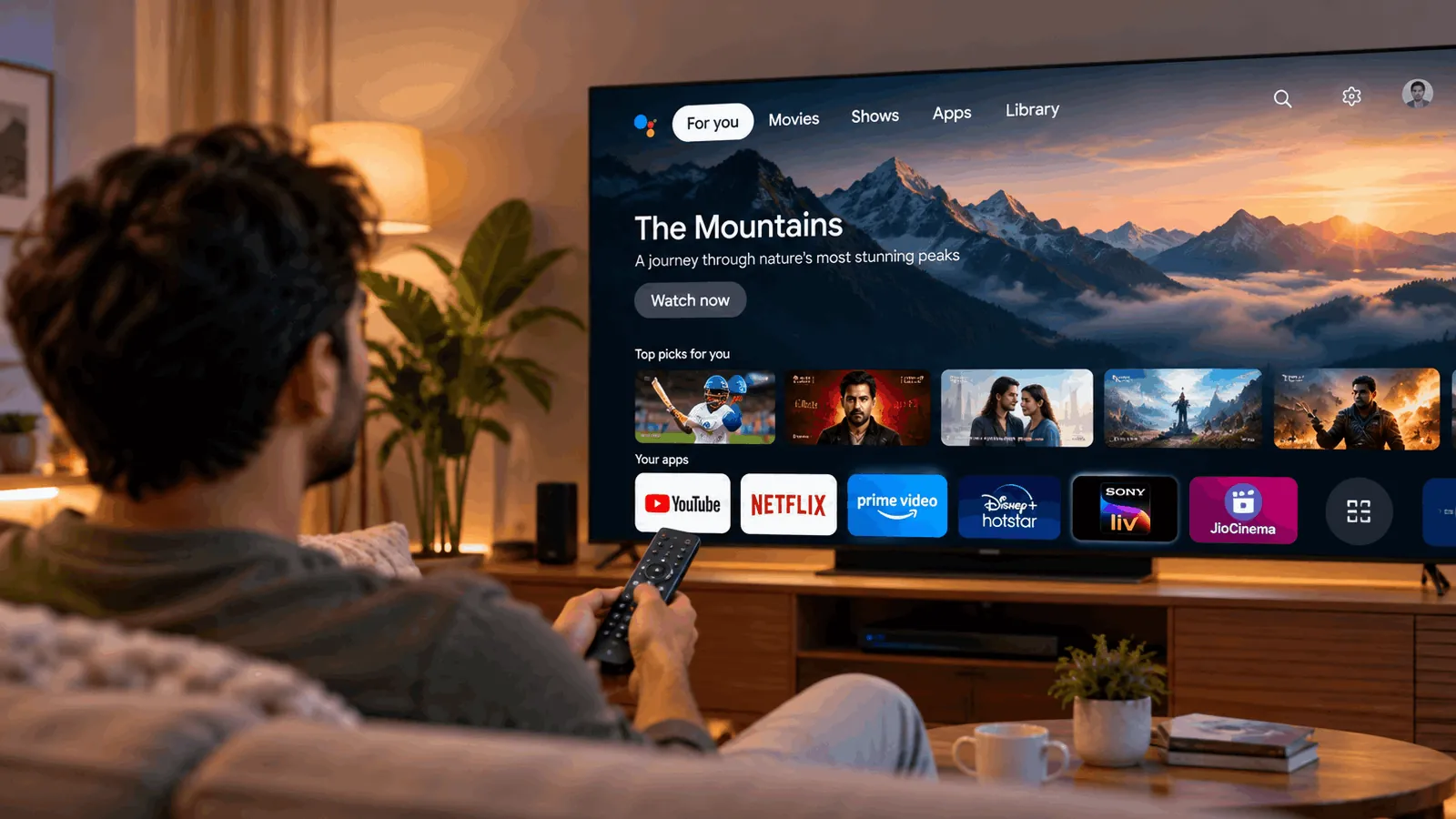
Why it matters
- Your everyday TV experienceThe operating system, or OS, is your TV’s software. It runs the home screen, app store and voice search. You’ll use it whenever you open YouTube, Netflix or another streaming app.
- Apps aren’t identical everywhereMost systems cover the big streaming services. Smaller or regional apps need a closer check. Before buying on Amazon or Flipkart, confirm the apps you use on that exact model.
- You can change laterAny TV with HDMI, the connection used for streaming devices, can add a Fire TV Stick or Chromecast later. Budget roughly ₹3K–₹6K if you need missing apps or prefer a different system.
Meet the five main systems
The system comes with the TV. Compare apps and ease of use, then check the exact model’s features.
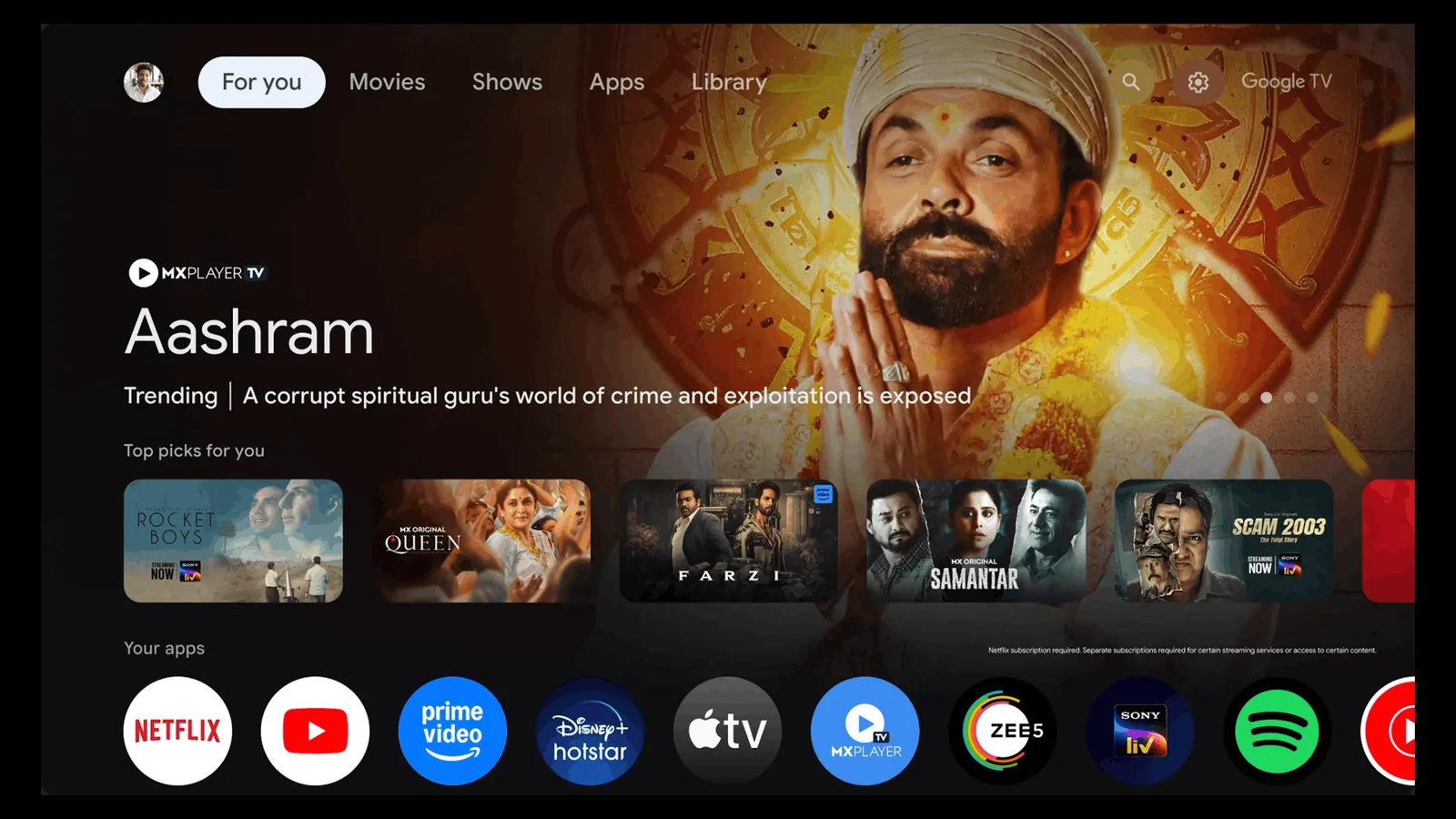
Google TV / Android TV
The widest choice of apps
Found on Sony, TCL, Xiaomi and many other brands. Both use Google’s Play Store, the biggest TV app store. Google TV adds a browsing layout with recommendations. Chromecast lets you send supported content from your phone to the TV.
- Good
- Biggest app store, including Indian streaming apps
- Chromecast casting from phones
- Google voice search
- Watch out
- Cheap models with little memory can feel slow
- Home screen includes ads and recommendations
- Check hardware, not just the Google badge
Best for: You want the widest app choice and easy phone casting.
Compare at a glance
Swipe sideways to see every option.
| Google TV / Android TV | webOS | Tizen | Fire TV | VIDAA | |
|---|---|---|---|---|---|
| App choice | Biggest app store | Most major apps | Most major apps | Good app selection | Smallest app store |
| Speed | Depends on TV hardware | Smooth | Fast | Smooth | Light and quick |
| Ease of use | Recommendation-led browsing | Simple; pointer available | Clean navigation | Prime Video-centric | Focused on basics |
| Voice assistant | Google Assistant | LG voice | Bixby | Alexa | Varies by brand |
| Phone casting | Chromecast built in | AirPlay on many | AirPlay on many | Screen mirroring | Screen mirroring |
Which one is right for you?
What matters most to you?
Five checks before you buy
- List your must-have apps, including regional services, before comparing TVs.
- Check the exact Amazon or Flipkart model, not just the brand name.
- Try opening apps and switching menus in a shop if possible.
- Check the included remote, voice features and compatibility with your phone.
- Keep picture quality first; an HDMI streaming device can change your smart system later.
Watch it explained
Videos by other creators. Tap to play here.
Common questions
Do all these systems have Netflix, Hotstar and YouTube?
These are popular apps, and most TVs using these systems cover them. Still, confirm all three on the exact model sold in India. Don’t assume every TV from a brand has the same app support.
Which system gets updates for the longest?
Tizen is known for long software support, but there isn’t one fixed update period across every TV. Check the manufacturer’s commitment for the exact model. App updates and full system updates are different.
Can I install more apps later?
Yes, from your TV system’s app store, if the app is available there. You can’t assume every phone app has a TV version. If something is missing, add a Fire TV Stick or Chromecast through HDMI for roughly ₹3K–₹6K.
What about ads on the home screen?
Google TV includes ads and recommendations. Fire TV’s home experience leans towards Prime Video. Don’t assume a clean-looking system is ad-free. Look at the actual home screen before buying, and check which recommendations you can adjust.
Does the smart system slow down?
It can. Cheap Google TV models with little memory may already feel slower. Performance depends on the TV’s hardware, not just its system name. If navigation becomes frustrating, an HDMI streaming device lets you use a different smart system.
The bottom line
Choose the system with your apps and a remote you like. Prioritise picture quality; you can add a streaming device later.